
The easies way to add an image to the Github readme that I can think of is displaying it from Google Drive. Since the assets are already hosted there.
Paste in the link into Readme.md file on github:
<a href="https://drive.google.com/uc?export=view&id="><img src="https://drive.google.com/uc?export=view&id= " style="width: 500px; max-width: 100%; height: auto" title="Click for the larger version." /></a>
You’ll need to grab the ID of the image. Easiest way on the desktop is to right click the file in the drive and select View on the Web. Grab the string of characters from there and replace the in the code above with it.
Result can be seen here: https://github.com/zype/zype-ios#app-architecture
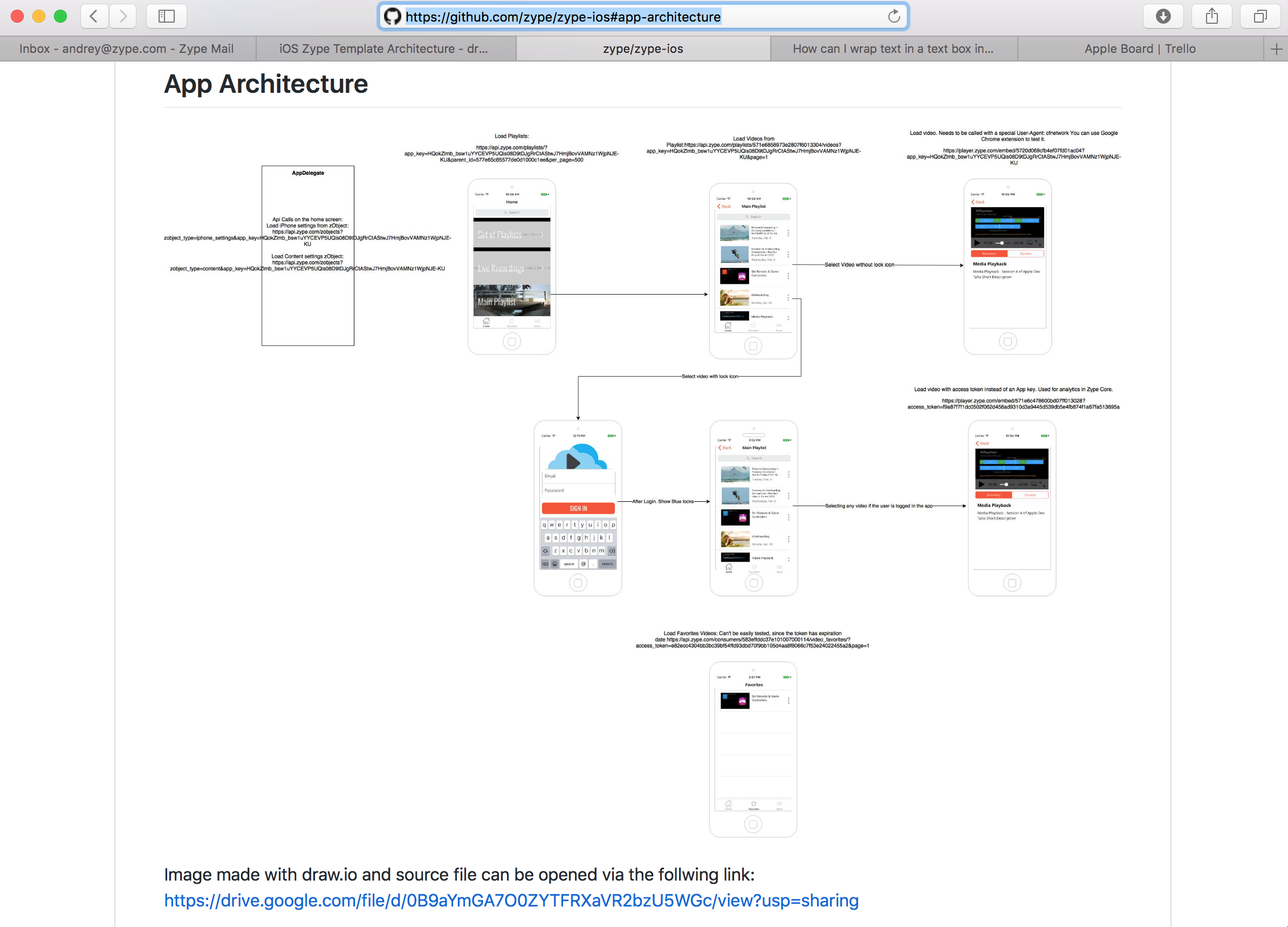
Result snapshot